Designing a Functional KDP Interiors Baby Log Book: Technical Specs and Customization Strategies
The low-content publishing market has evolved significantly, moving beyond simple lined journals to highly specialized functional tools. Among these, the baby log book represents a unique intersection of sentimental record-keeping and practical data tracking for new parents. For creators and publishers utilizing Amazon’s print-on-demand platform, success in this niche depends less on artistic flair and more on technical precision and user-centric design. Understanding the specific architecture of a KDP Interiors Baby Log Book is essential for producing a product that serves its end-user effectively while meeting strict printing standards.
The Critical Role of Precise Trim Sizes and Page Counts
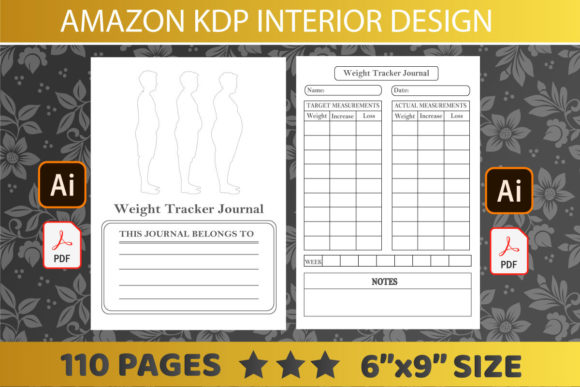
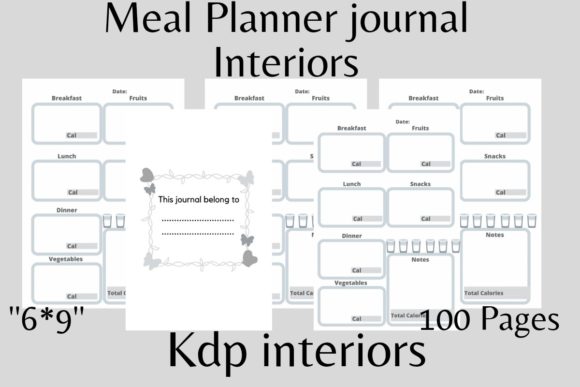
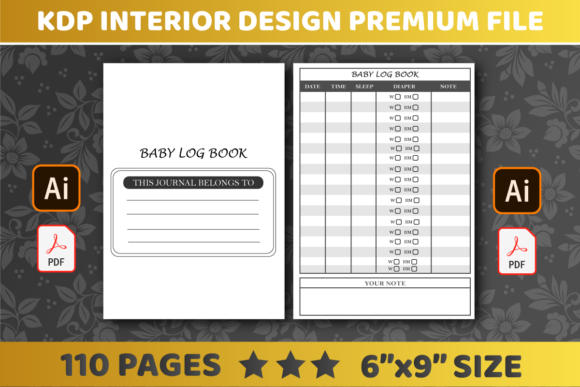
When developing interiors for infant tracking journals, physical dimensions dictate usability. The industry standard for this category is the 6″ x 9″ inch trim size. This specific dimension is not arbitrary; it strikes a necessary balance between portability and writing space. New parents often need to document feeding times, diaper changes, and sleep patterns with one hand while holding an infant with the other. A 6x9 format fits easily into diaper bags, nightstands, and hospital bassinets without being cumbersome.
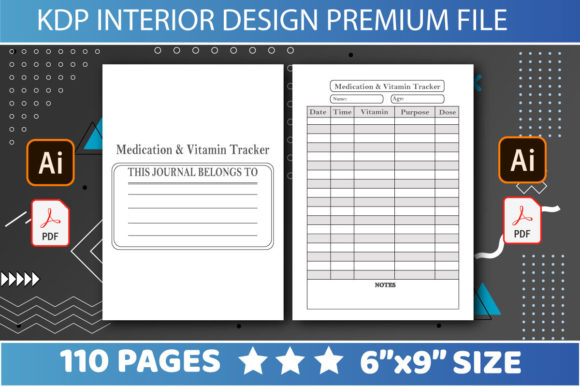
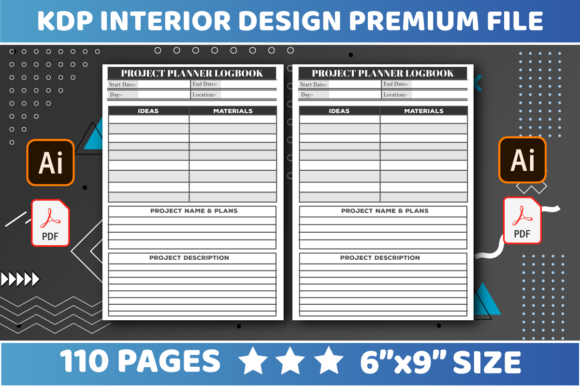
Page count is equally strategic. A specification of 110 pages is widely considered the optimal length for this type of log. This volume provides approximately three to four months of daily tracking space, which aligns with the critical "fourth trimester" period where detailed logging is most intense. From a production standpoint, 110 pages also ensures the book has enough spine width to support legible text if the creator chooses to add a title later, distinguishing it from thinner pamphlets that cannot display spine metadata. When sourcing or creating a kdp interiors premium file, verifying this exact page count prevents formatting errors during the upload process and ensures the final product feels substantial rather than disposable.
Understanding No Bleed Configuration
One of the most common technical hurdles for new publishers is managing bleed settings. For baby log books, a "No Bleed" setting is typically the superior choice. Bleed refers to artwork or background colors that extend beyond the trim edge of the page. While full-bleed designs are popular in coloring books, they are often unnecessary and risky for structured logs.
Selecting the No Bleed option means all content must remain within a defined safe zone, usually leaving a margin of at least 0.375 inches on the outer edges and additional gutter space near the binding. This constraint actually benefits the user experience. Tables, checkboxes, and writing lines positioned safely away from the trim ensure that no critical tracking fields are accidentally cut off during the guillotine cutting phase at the printing facility. Furthermore, no-bleed files are generally more forgiving regarding printer calibration shifts, reducing the likelihood of rejected manuscripts or misaligned interior grids.
Leveraging Editable File Formats for Niche Adaptation
The true value of professional-grade interiors lies in their malleability. A static PDF is useful for immediate upload, but editable source files unlock long-term business potential. High-quality interior packages should include both PDF and AI (Adobe Illustrator) formats. The ability to easily edit KDP Interiors Baby Log Book templates allows publishers to create distinct variations from a single master asset.
Consider the diverse needs of the target demographic. A standard log might track general feeding and sleeping, but specialized versions command higher price points and face less competition. With editable vector files, a creator can modify column headers to create:
- Pumping Logs: Adjusting columns to track left/right output, storage location, and pump parts cleaning schedules.
- Medical/Special Needs Trackers: Adding sections for medication dosage, therapy exercises, or symptom monitoring.
- Twin/Multiple Birth Logs: Expanding table structures to accommodate parallel tracking for two or more infants.
- Caregiver Handoff Sheets: Simplifying layouts for nannies or grandparents who need quick-reference summaries rather than detailed analytics.
This adaptability transforms a single purchase of kdp interiors premium file 1 assets into an entire series of related products. The AI format preserves vector quality, ensuring that lines remain crisp and text remains sharp regardless of how many times the layout is resized or modified. Relying solely on rasterized images or flattened PDFs limits this scalability and often results in pixelation when adjustments are made.
User Experience Design in Tracking Layouts
Technical specifications matter only if the interior design supports the user's cognitive load. Parents using these books are frequently sleep-deprived and operating under high stress. The layout must prioritize clarity over decoration. Effective baby log interiors utilize high-contrast typography and generous spacing.
Tables should feature alternating row shading or clear horizontal dividers to prevent eye-tracking errors during data entry. Input fields for time stamps should be pre-formatted (e.g., AM/PM indicators) to reduce decision fatigue. Checkbox systems are preferable to free-text notes for repetitive tasks like diaper status (wet/soiled/both), as they allow for faster logging and easier pattern recognition later. When evaluating a template, test the usability by simulating a one-handed entry scenario. If the columns are too narrow or the font size is below 10pt, the book will fail its primary function regardless of its aesthetic appeal.
Quality Assurance and Pre-Publication Workflow
Even with premium source files, rigorous quality control is mandatory before publishing. The transition from a digital workspace to a physical printed book introduces variables that must be accounted for. Publishers should implement a systematic review process for every variation created from the base KDP Interiors Baby Log Book template.
- Gutter Margin Verification: As page count approaches 110, the inner margin (gutter) requirements increase. Ensure that binding-side margins are sufficient so users do not have to crack the spine flat to write in the leftmost columns.
- Grayscale Testing: KDP standard color printing can sometimes render light gray lines too faintly, while black-and-white printing may make dark gray backgrounds appear solid black. Always preview the file using Amazon’s online previewer and, ideally, order a physical proof copy to verify contrast ratios.
- Metadata Consistency: Ensure that any editable elements, such as headers or footers, have been updated to match the new book title. A common error occurs when a publisher modifies a "Newborn Sleep Tracker" into a "Toddler Potty Log" but forgets to update the running header on page 50.
- File Export Settings: When exporting the final PDF from Illustrator or InDesign, use PDF/X-1a:2001 or similar print-ready presets. Flatten transparencies and embed all fonts to prevent substitution issues during the RIP (Raster Image Processor) stage at the printing plant.
Market Differentiation Through Interior Value
The barrier to entry for baby log books is low, which means differentiation must come from superior utility. Simply uploading a generic template rarely yields sustainable results. Successful publishers treat the interior as a product feature, not just a container for paper. This involves researching current parenting trends and adapting the kdp interiors premium file 1 assets to meet emerging needs.
For example, modern parents increasingly focus on developmental milestones alongside basic care. Integrating small milestone trackers or growth chart percentiles into the daily or weekly spreads adds perceived value without increasing page count. Others may prefer integration with digital habits; including QR codes that link to relevant resources or printable supplementary sheets can bridge the physical-digital divide. By viewing the editable PDF and AI files as a foundation rather than a finished product, creators can build a brand reputation for quality and thoughtfulness.
Ultimately, the technical components—6x9 dimensions, 110 pages, no bleed settings, and editable formats—are the infrastructure that supports creative problem-solving. Mastery of these specifications allows publishers to move quickly from concept to shelf, testing multiple niches and refining their offerings based on real-world feedback. The goal is to provide a tool that genuinely assists families during a transitional life stage, leveraging professional design standards to create products that are both commercially viable and practically indispensable.